Installation Guide
The following procedure outlines how to install the Bueno Edge Gateway software on your Ubuntu OS. It is assumed that the device the software is being installed on meets the system requirements and is connected to a network with internet access consistent with the connectivity requirements.
For Neeve Devices, please follow the instructions here.
BEG Software Install Process
-
In your device's terminal, make sure you have
curlandunzipinstalled by running the following command.sudo apt update && sudo apt install curl unzip -y -
Set the
BUENO_EDGE_HOSTenvironment variable. This should be supplied by Bueno, however, you can also select from the list below based on which region of the globe you are in (or closest to).- Australia: au.edge.bueno-analytics.com
- UK and Europe: uk.edge.bueno-analytics.com
- US and North America: us.edge.bueno-analytics.com
The environment variable should be set in the terminal as per the example below.
export BUENO_EDGE_HOST="au.edge.bueno-analytics.com" -
Download, unzip, and execute the installer.
curl "https://$BUENO_EDGE_HOST/v1/installer" -o beg-installer.zip && \unzip beg-installer.zip && \bash ./bueno-edge-gateway-installer/install.sh -
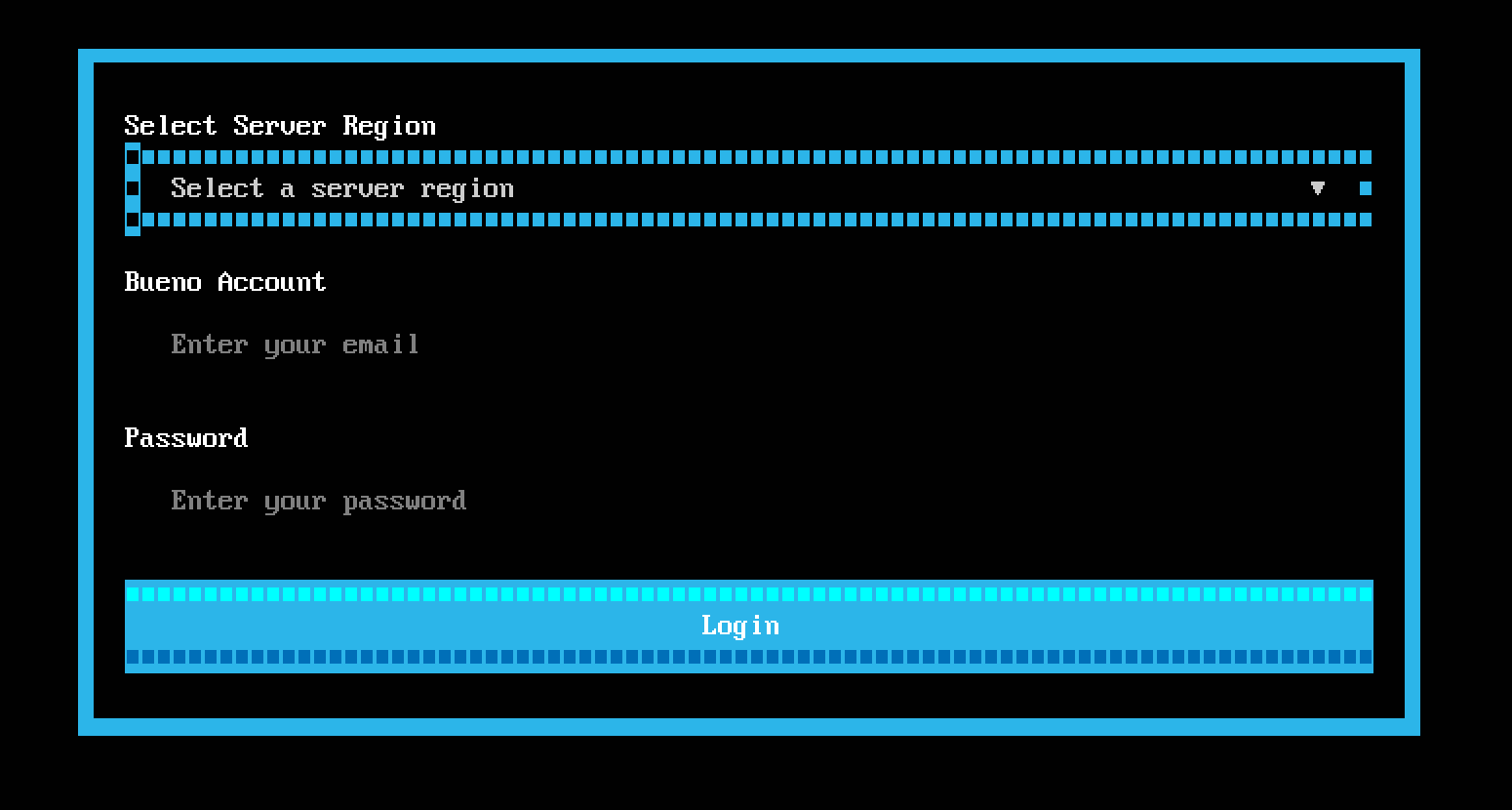
The installer should start a terminal-based UI prompting you to enter your details:
- Server Region: The host name of the Bueno API server. If you don't know it, it can be supplied by Bueno and will correspond directly to the Bueno "Point of Presence" (POP) in which your User exists. If your Bueno API server is not in the list, you can select Custom Region and enter it manually.
- Bueno Account: The email address linked to your Bueno user (the same one used to log in to the Bueno Platform).
- Password: The password for your Bueno account (the same one used to log in to the Bueno Platform).
-
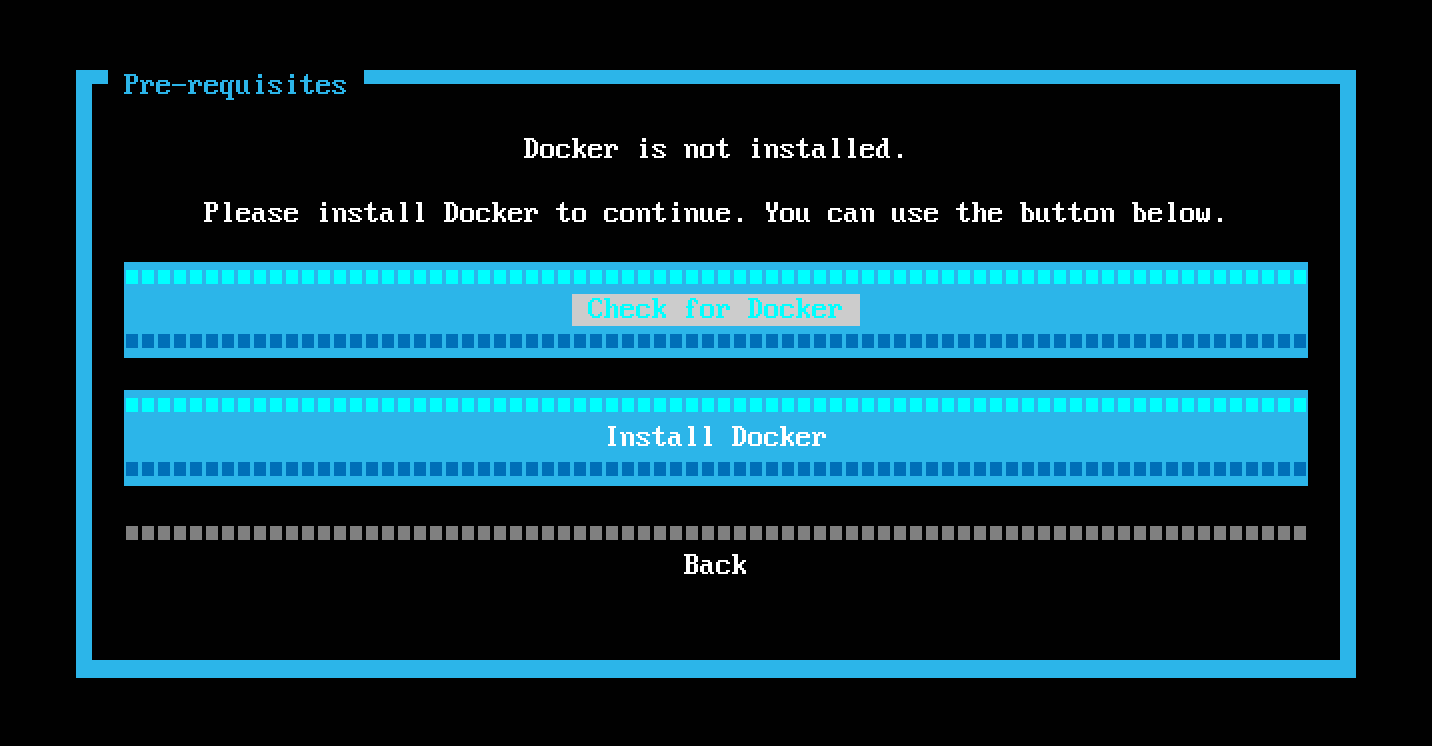
On successfully entering your details and authenticating with the Bueno API server you will be prompted to check for a Docker installation. Run this check and install Docker using the provided installation option if it doesn't already exist. Once Docker is installed the installer will detect this and allow you to continue with the installation.
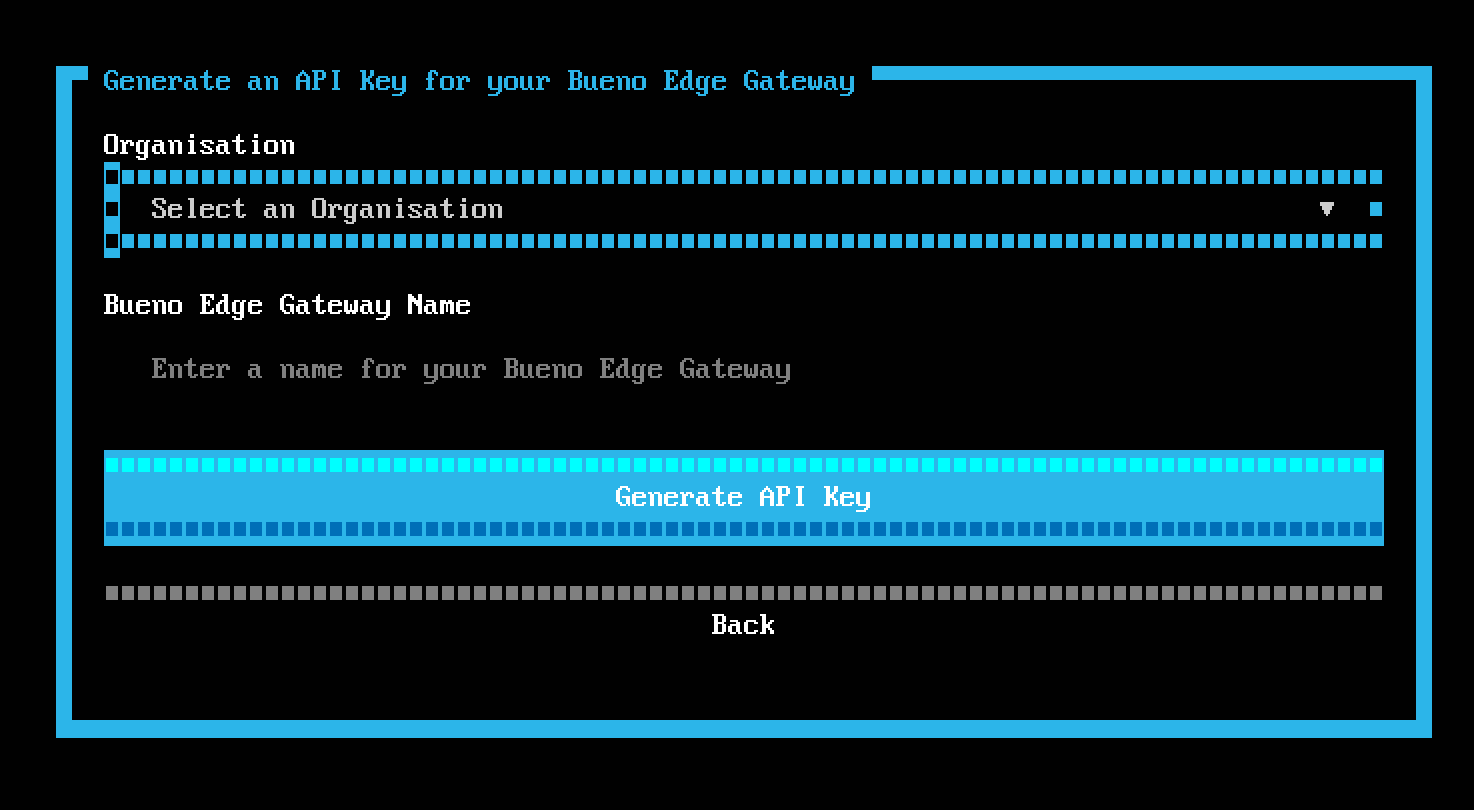
- Select the Organisation in the Bueno Platform to which your BEG will belong. This is the Organisation in which it will be able to create Integrations and ultimately in which Users will be able to view the data the Gateway polls from the network. Give the Gateway a name and generate the API Key it will use to authenticate with the Bueno Platform. Be descriptive with the Gateway name as it must not be the same as any other Gateway within that Organisation, (e.g. "123 Main St").
-
Install the BEG software. It may take a couple of minutes depending on your internet connection.
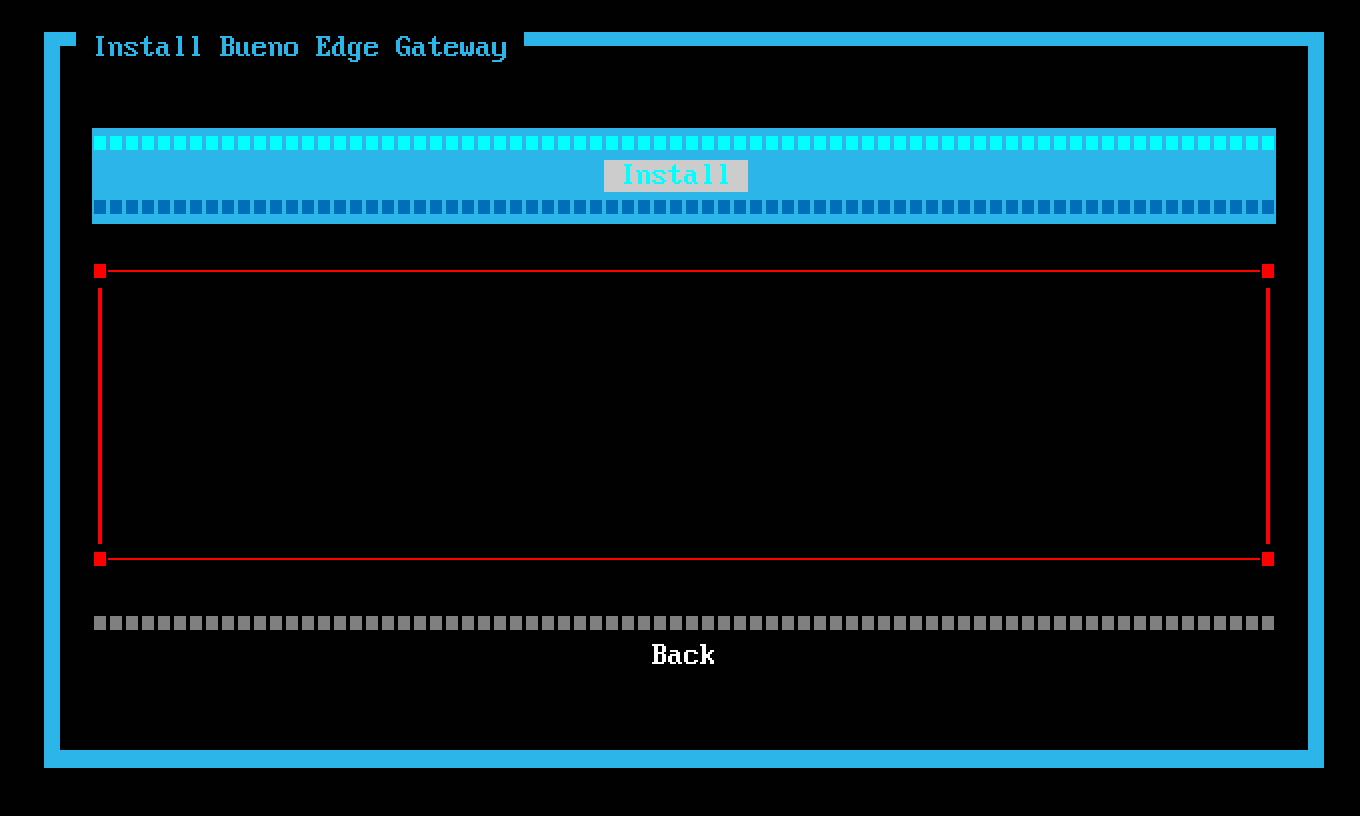
Once it has finished successfully you can select Complete to finalise the installation.
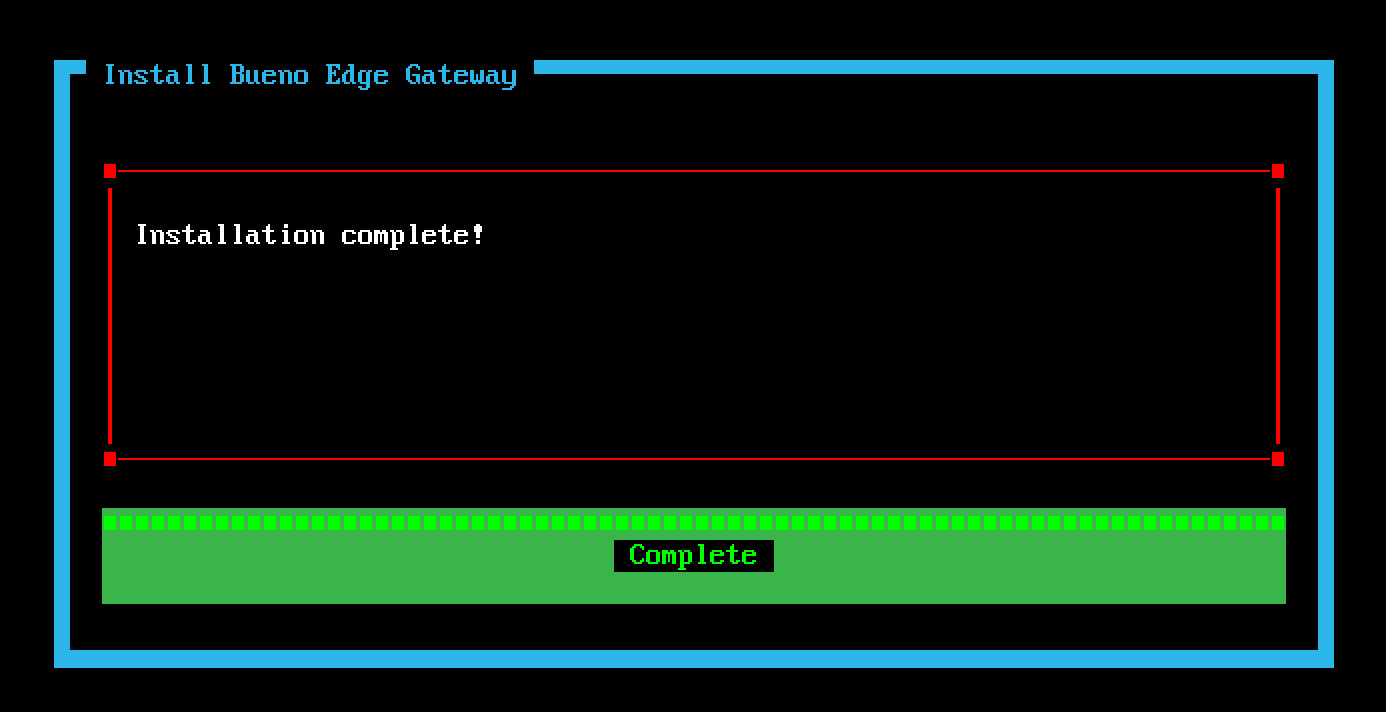
You may need to run the
clearcommand in your terminal to clear the installer away upon completion. -
After the installer has completed the BEG software will initialise and start downloading its requisite components from the Bueno servers in the cloud. It will take a few minutes to fetch all of these and for the user interface to become available. (If the internet connection is slow, this could take considerably longer.) Once this completes you should be able to access the Gateway UI at http://localhost:3000.
Tips and Troubleshooting
Some tricks of the trade you may find useful.
- If you need to exit the installer at any time you can do so with
ctrl + q. - If the installer doesn't disappear from your terminal screen after you have exited or completed it, you can clear it away with the
clearcommand.